1. Interac: the network everyone uses
In Canada, almost nobody talks about a “bank transfer” between individuals — people simply say “send an Interac.” Interac is the Canadian interbank payment network that connects every financial institution in the country. It serves two distinct purposes: sending money to another person by email or text, and paying your bills directly from your account, without ever writing a cheque.
2. Sending an Interac e-Transfer: how it works
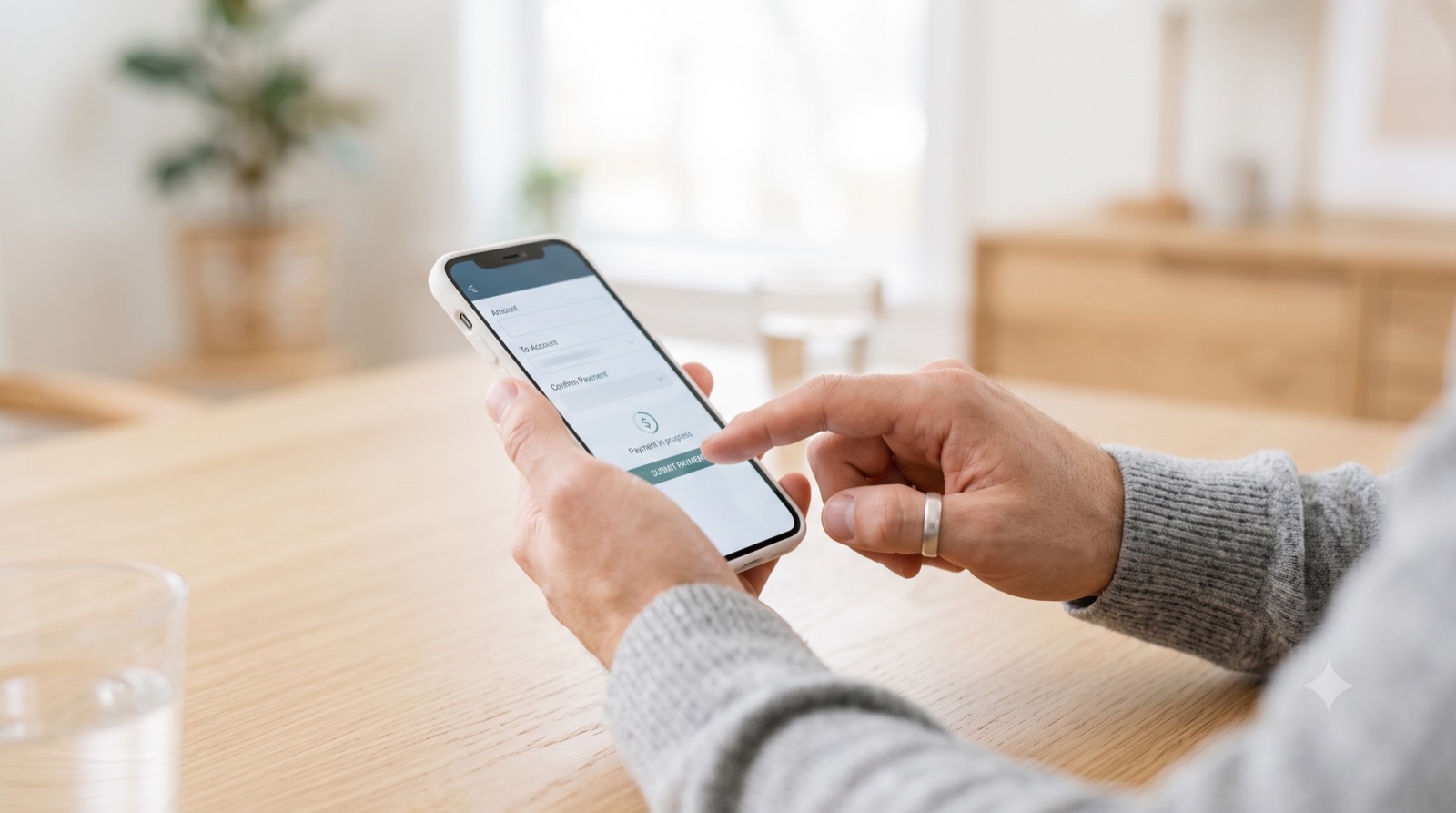
From your bank's app or website, open the Interac e-Transfer section. You only need the recipient's email or cell number. The person receives a notification and clicks a link to deposit the funds into their own account. If they haven't set up autodeposit, the recipient has to answer a security question you set yourself to confirm their identity.
3. Autodeposit: set it up right away
Autodeposit links your email or cell number to your bank account once and for all. After that, every Interac e-Transfer sent to that address deposits directly into your account, with no security question and nothing for you to do. It's also more secure: the sender sees your confirmed legal name before sending the funds, which reduces the risk of error or fraud.
4. Paying your bills: the “bill payee” service
Separately from Interac, your online account includes a bill-payment service. Add the provider — Hydro-Québec, your phone company, the municipality for property taxes — as a “payee” in your online banking, using your customer account number with that provider. Once added, you pay directly from your bank account, without ever needing a cheque or having to go anywhere.
| Interac e-Transfer | Bill payment | |
|---|---|---|
| Purpose | Send money to a person | Pay a provider (Hydro-Québec, phone, taxes) |
| What you need | Recipient's email or cell number | Customer account number with the provider |
| Accepted by businesses? | No | Yes |
| Speed | A few minutes | 1 to 3 business days |
5. Your action list
Follow these concrete steps to master your online payments. Check each box as you go — your progress is saved if you're signed in.
Your action list
0 of 5 done
6. Frequently asked questions
The most common questions about Interac and bill payment: is there a fee, can you pay rent by Interac, and what to do if you send a transfer to the wrong person.
Is there a fee to send an Interac e-Transfer?
It depends on your account type. Many everyday chequing accounts and most newcomer packages include unlimited Interac transfers at no extra cost, but some basic or low-fee accounts charge per transfer. Check your specific account's fee schedule — this is exactly the kind of detail worth comparing when you choose a bank package.
Can you pay rent by Interac e-Transfer?
Yes, if your landlord accepts it — many individual landlords do, especially for a smaller building. A large property management company more often expects payment through its own online portal or a pre-authorized debit instead. Confirm the accepted method directly with your landlord when you sign your lease.
I sent a transfer to the wrong person: what should I do?
Act immediately. If the transfer hasn't been deposited yet, you can usually cancel it directly from your banking app or website. If it has already been deposited, contact your bank's customer service right away — they can advise on next steps, though recovering funds already deposited to the wrong account is not guaranteed.
7. See also
These related guides may be useful:
- Opening a bank account in Quebec — the starting point for accessing Interac e-Transfer.
- Your first credit card with no credit history — another essential banking tool from day one.
- Opening your Hydro-Québec account — the first provider to add to your bill payments.
8. Official sources
For official, up-to-date information, see these pages:
You can also contact your financial institution's customer service directly for the details specific to your account.
Author's Note: Setting up autodeposit is the best half-hour you'll spend on your finances this week. Once configured, you'll never think about a security question again — the money just arrives.