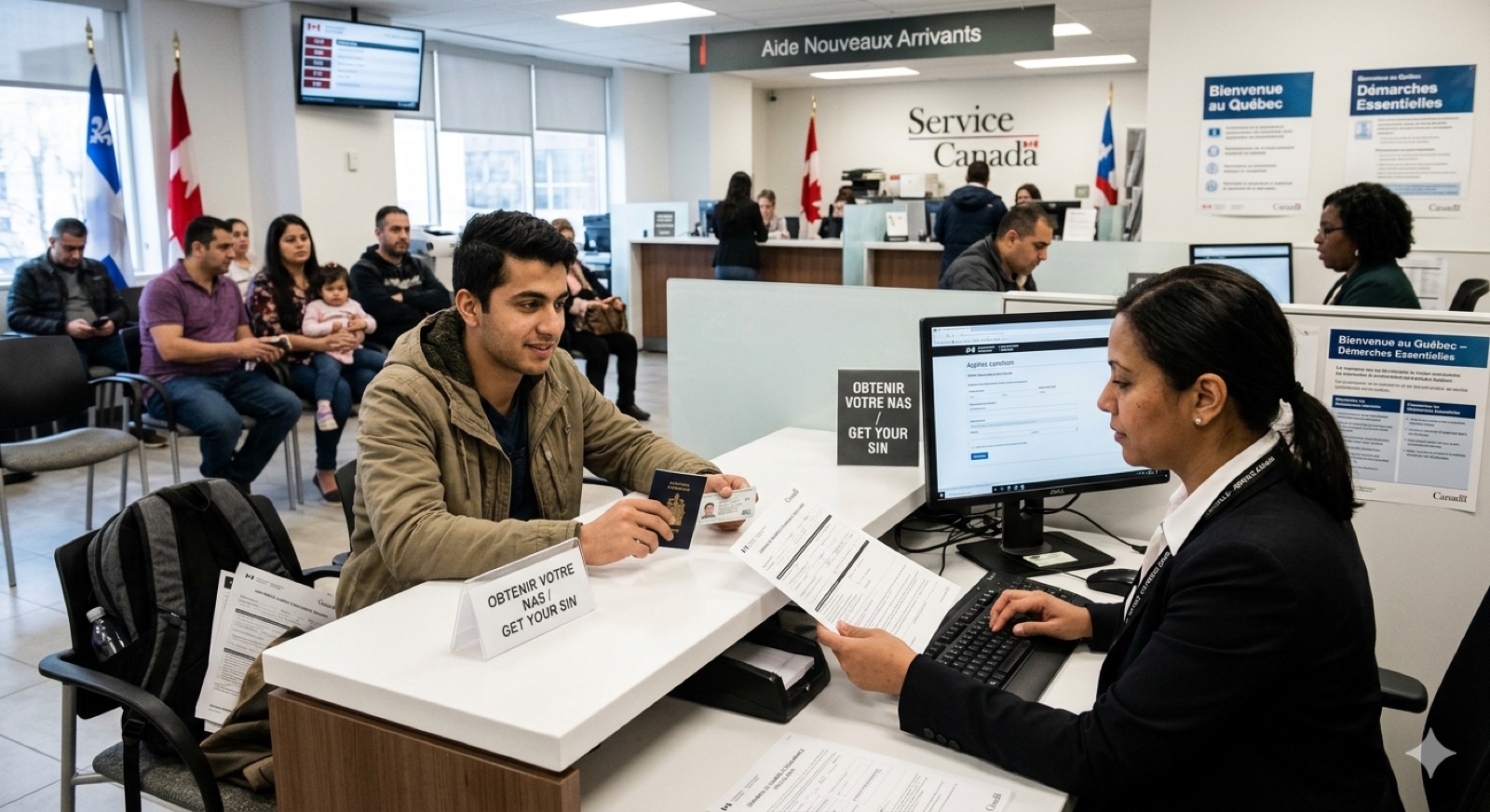
Le NAS — votre premier numéro officiel au Canada.
The SIN is a mandatory 9-digit federal number you need to work, receive benefits, or open a savings account in Canada. It's the very first step to take after you arrive: in person at Service Canada (free, often same day) or online (about 5 business days).
1. What is the SIN?
The Social Insurance Number (SIN) is a 9-digit federal government number.
It's required to:
- Work in Canada
- Receive government benefits
- Open a savings account or an RRSP
2. When to apply
Apply within your first days after arrival. It's the very first official step in Canada.
3. Documents to bring
You need two documents: a primary document, which proves your status, and a secondary document, which confirms your identity — for example your passport or a driver's licence (Service Canada). Primary documents:
- Permanent residents: PR card, or Confirmation of Permanent Residence issued within the past year
- Temporary residents: a work or study permit that says you « may work » or « may accept employment »
- No proof of address is required
4. How to apply
Three options, all free:
- Online — about 5 business days; you then view your SIN in My Service Canada Account
- By mail — about 20 business days; you receive a letter
- In person at a Service Canada office — often settled the same day
No news after 10 business days (online) or 25 (by mail)? Contact the SIN Program (Service Canada).
5. What to do once you have it
Once you have it:
- Memorize it or store it in a safe place (not in your wallet)
- You'll give it to your employer, your bank, and the government
- It follows you for your whole life in Canada
6. Your action list
Getting your SIN takes 6 steps. Check each box below as you go — your progress is saved if you're signed in:
7. In person vs online — which to choose?
Service Canada offers both options for obtaining a SIN. Both are free — the choice depends mainly on your situation and your tolerance for delay.
Practical verdict: if you arrive with a job starting within 30 days, choose in-person — you leave with your SIN the same day. Otherwise, the online option avoids the wait at the office.
| Criterion | In person | Online |
|---|---|---|
| Cost | Free | Free |
| Wait | Often the same day | About 5 business days |
| Documents | Originals | Scans (PDF / photo) |
| How you receive your SIN | At the office | In My Service Canada Account (or by mail) |
| Appointment | Optional | Not required |
| Main risk | Waiting at the office | Missing document, which delays the file |
8. Frequently asked questions
The most common questions about the SIN: how much the application costs, whether you can work before receiving the number, what a SIN starting with 9 means, and how to replace the SIN confirmation letter.
How much does the SIN application cost?
The application is entirely free, whether you apply in person or online. Any site asking you to pay to obtain a SIN is a scam. The SIN itself is not a card — it's a 9-digit number confirmed by official letter.
Can I start working before receiving my SIN?
Yes. Service Canada says it clearly: you can start working as soon as you have applied (Service Canada). Your employer will need your SIN to run payroll: give it to them as soon as you have it.
In the meantime, give your employer the proof of application (in-person receipt or online confirmation).
My SIN starts with 9. What does it mean?
A SIN that starts with 9 indicates a temporary status in Canada — typically a work permit, study permit, or asylum claimant. This SIN has an expiry date matching your permit. If it expires while you have applied to extend your permit (maintained status), you can keep working until IRCC makes a decision.
When you become a permanent resident, you receive a new SIN starting with 1–8 that never expires. Important: stop giving your old SIN-9 to your employer after the transition.
What if I lose the paper confirming my SIN?
You can look it up yourself in My Service Canada Account (MSCA), where you can view and print it — the fastest route. It also appears on your tax slips (T4, record of employment). Service Canada will NEVER give you your SIN over the phone (source); a Confirmation of SIN is applied for like a first-time application, with all documents. The SIN itself remains valid — the paper can be replaced, not the number.
Keep your original letter in a safe place with your other identity documents.
9. See also
These related guides may be useful:
- Get your RAMQ health insurance card — the other essential first-arrival step.
- Renew or replace your PR card — the identity document required to get a SIN as a permanent resident.
- Apply for a Canadian passport — the next admin step once you become a citizen.
10. Official sources
For official information:
Phone: Service Canada at 1-866-274-6627.
Author's Note: Do it on day 1 or 2. Without a SIN, everything else is blocked — banking, work, benefits. Once done, you can move forward on everything else.