1. One account for several services
The Quebec government groups access to several of its online services — including RAMQ, Revenu Québec, and Retraite Québec — behind a single login: the Government Authentication Service. You only need to create this account once; it then lets you sign in to every service that requires it.
2. What this account unlocks
Once your account is created, you can generally access:
- Mon dossier pour les citoyens, at Revenu Québec, for your tax return and benefits
- Mon dossier, at Retraite Québec, for the Quebec Pension Plan
- Certain RAMQ services
- Mon dossier citoyen, a space offering personalized paths based on your situation, for example arriving in Quebec or having a child
| Service | Organization | What you can do |
|---|---|---|
| Mon dossier pour les citoyens | Revenu Québec | Tax return, benefits and notices of assessment |
| Mon dossier | Retraite Québec | Quebec Pension Plan, retirement benefits |
| Certain online services | RAMQ | Health card renewal and other steps |
| Mon dossier citoyen | Government of Quebec | Personalized paths based on your situation (arrival, birth, etc.) |
3. Creating your account: the main steps
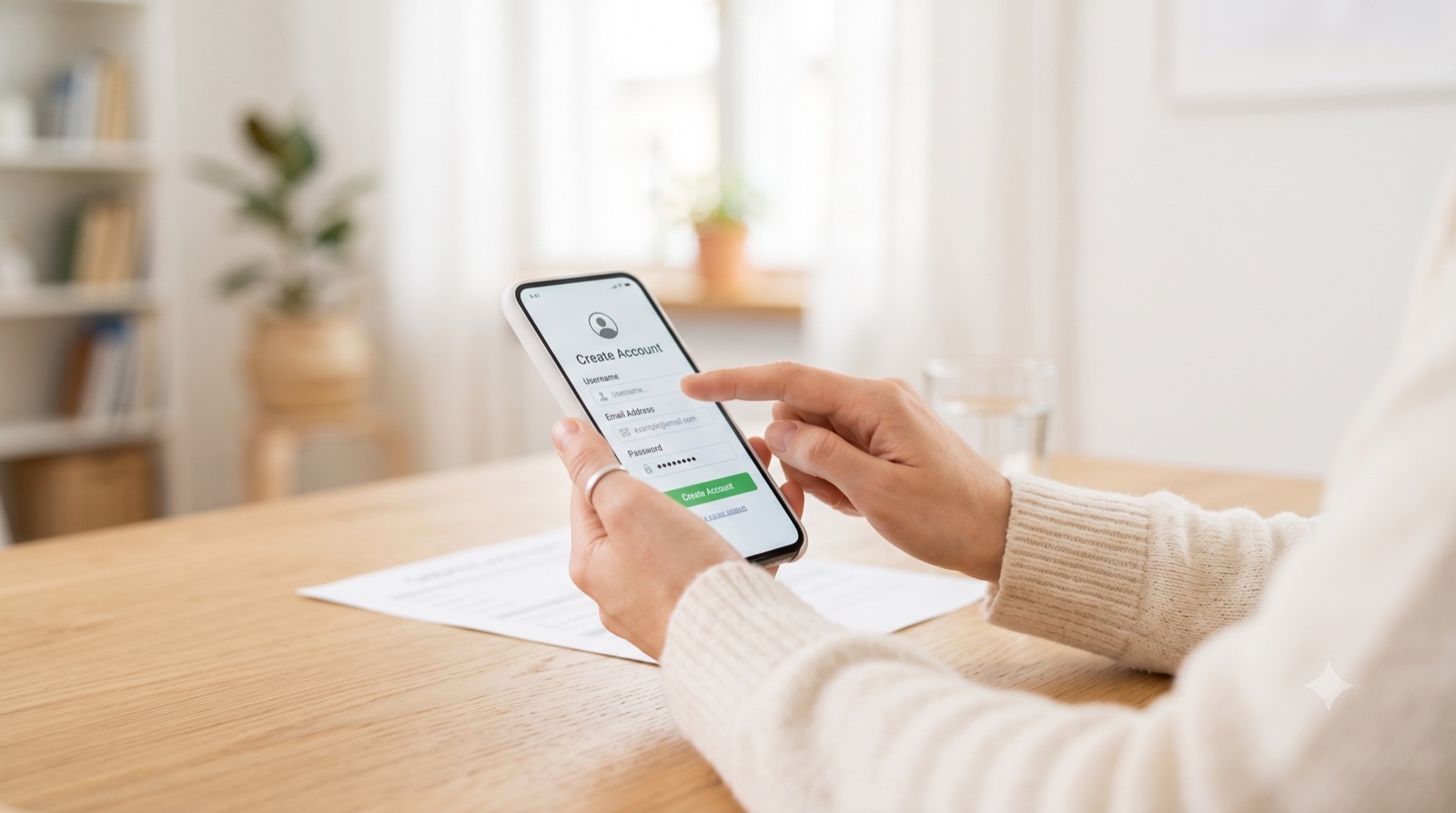
Account creation happens entirely online. Choose a username, an email address, and a strong password. You receive a confirmation code by email. You then have to prove your identity to the Quebec government by providing information from your official ID documents — for example your health insurance card or your tax file number, depending on which services you already have.
4. Your action list
Follow these concrete steps to create your government account. Check each box as you go — your progress is saved if you're signed in.
Your action list
0 of 5 done
5. Frequently asked questions
The most common questions about the online government account: does this account replace your bank account or your Canada Post account, do you need a different account for each service, and what to do if you lose your password.
Does this account replace my bank account or my Canada Post account?
No — these are three completely separate systems. Your online government account only gives you access to Quebec provincial services. It has nothing to do with your bank, and nothing to do with your Canada Post account used for mail forwarding.
Do you need a different account for each government service?
No, that's the whole point of this system. One username and password gives you access to every participating service — you link each one to your account as you need it, rather than creating a new login every time.
I forgot my password: what should I do?
Use the password recovery option on the login page — it usually sends a reset link to the email address linked to your account. If you no longer have access to that email either, contact the Government Authentication Service support directly, since identity re-verification will likely be required.
6. See also
These related guides may be useful:
- RAMQ — one of the services accessible from your government account.
- Filing your taxes in Quebec — your account gives access to Revenu Québec's Mon dossier pour les citoyens.
- Change of address and mail forwarding — use the Quebec Address Change Service to keep your government accounts up to date.
7. Official sources
For official, up-to-date information, see these pages:
- Government Authentication Service (Gouvernement du Québec)
- How to create a Government Authentication Service account (Gouvernement du Québec)
- Mon dossier pour les citoyens (Revenu Québec)
You can also call Services Québec at 1-877-644-4545.
Author's Note: Create this account early, even if you don't need all the services it unlocks yet. The day you do need it — often at the least convenient moment — you'll be glad you're not doing the identity verification under time pressure.